Picuki Highlights Viewer
Highlights are the round covers under an Instagram bio, each holding stories the owner decided to keep. Give Picuki a public @username and you can open every one of them, read the posting date on each frame, and store the frames you want. No sign-in is involved.
Works logged outFree to usePhone, tablet, desktop
Opening a highlight with Picuki
Look up the profile
Write the public @username in the field above, or paste the profile address, then press Search.
Choose Highlights
It is the second tab under the profile card. Picuki loads the first collection for you right away.
Tap a cover
The frames of that collection replace the previous ones. Check the date printed on each card.
Keep what you need
A single frame has its own Download button. Save all walks through the whole collection for you.
Old stories live in highlights, and Picuki opens them
A story is gone a day after it goes up, except when its owner pins it. Pinned stories form a highlight, and a highlight can stay on the profile for years. Instagram hides these collections from signed-out visitors almost entirely. The Picuki highlights viewer lists them all for any public account.
After a search, the Highlights tab shows the covers side by side. Tap a cover and its frames load as cards in the order the owner arranged them. Every card states when that frame first went up, which is handy when a highlight mixes material from different trips, launches or seasons.
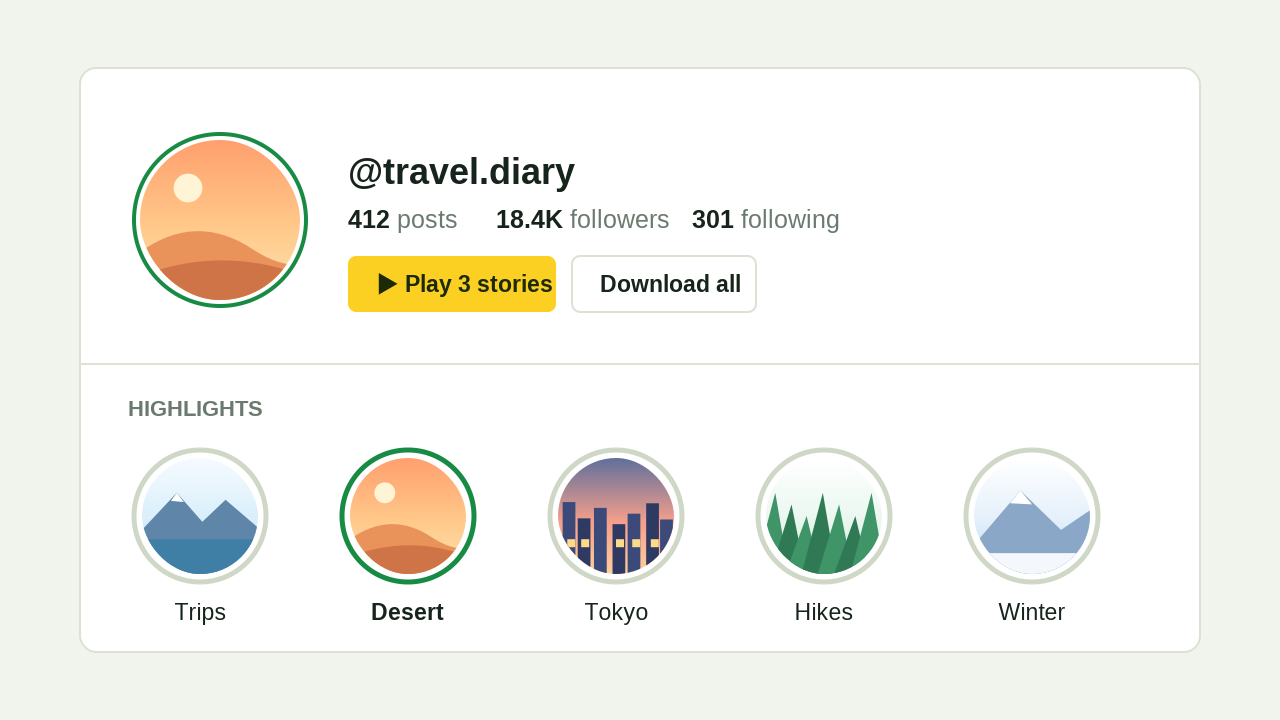
What the highlights viewer is good for
- Stories past the 24-hour mark. Anything the owner pinned is still viewable, however old.
- A date on every frame. You can tell a 2023 story from last week's.
- Your name stays out. Highlight views are counted for signed-in accounts, and none is used here.
- Playback in order. Play all runs the collection like the Instagram player, with pause and skip.
- Original files. Photo frames save as JPG, video frames as MP4 with audio.
- Any screen. The same page works on a phone, a tablet and a desktop browser.
Questions and answers
What does the Picuki highlights viewer do?
It lists the highlight collections of a public Instagram account and plays or downloads the stories inside them, with nobody signed in.
Will my name appear among the viewers of a highlight?
No. That viewer count is built from signed-in accounts. Picuki makes the request with none, so nothing gets added.
How do I download an entire highlight?
Open the collection and press Save all. The frames are saved in sequence. You can also use the button on one card.
The Highlights tab is empty. Why?
Either the owner never pinned a story, or they deleted their collections. Plenty of active accounts have none.
Are the saved files compressed again?
No. Picuki hands over the file Instagram itself delivers to browsers. Nothing is re-encoded and no logo is stamped on it.
Can I check how old a highlight story is?
Yes. Each card prints the day the frame was first posted as a story.
Does a block on Instagram stop me here?
A block is tied to your Instagram account, and Picuki does not use it. Public highlights still load. Private ones never do.
Is a login or sign-up required?
Neither. Picuki has no user accounts and never asks for Instagram credentials.
Every Picuki tool on one list
Story Viewer
Watch what a public account added to its story today, with no sign-in and no name left behind.
Profile Viewer
One search returns the bio, the full-size avatar and four tabs of public content.
Post Viewer
Read a public grid past the login wall, captions and carousel slides included.
Reels Viewer
Play an account's public reels with sound, check the play counts, keep any of them as MP4.
Story Downloader
Put story photos on your device as JPG and story videos as MP4 with their audio.
Profile Picture
See an Instagram avatar larger than the tiny circle and store the JPG.
TikTok Downloader
Picuki TikTok downloader saves TikTok videos without watermark as MP4, plus MP3 audio, covers and slideshow photos. Paste a link. No login needed.
Try Picuki with any public username
Scroll back to the search box, type the handle and press Search. The account's public stories, highlights, posts and reels show up on this page, and you stay signed out the whole time.