Picuki Reels Viewer
Instagram keeps a profile's reels behind a login for most signed-out visitors. Picuki lists them openly. Search a public @username, choose the Reels tab, and play each clip with its sound. A play count is printed on every tile.
Works logged outFree to usePhone, tablet, desktop
Watching reels with Picuki
Have the handle ready
The creator's @username is enough. A copied profile address works too.
Search the account
Enter it in the field on this page and press Search. Wait for the profile card.
Go to the Reels tab
Tiles appear with their play counts. Press Load more for older clips.
Watch, then save if needed
The player starts muted on some phones, so tap for sound. Download stores the MP4.
A reels viewer for people who are signed out
Try to browse someone's reels on instagram.com without an account and the page stalls on a sign-in request after a few clips. The Picuki reels viewer fetches the public reels of the account and arranges them as a grid of vertical tiles, newest at the top.
Tap a tile and the clip starts in a player with the caption next to it. Music, voice-over and original audio all come through. If a reel is worth keeping, the Download button stores it as an MP4 file, and Picuki puts no logo on it.
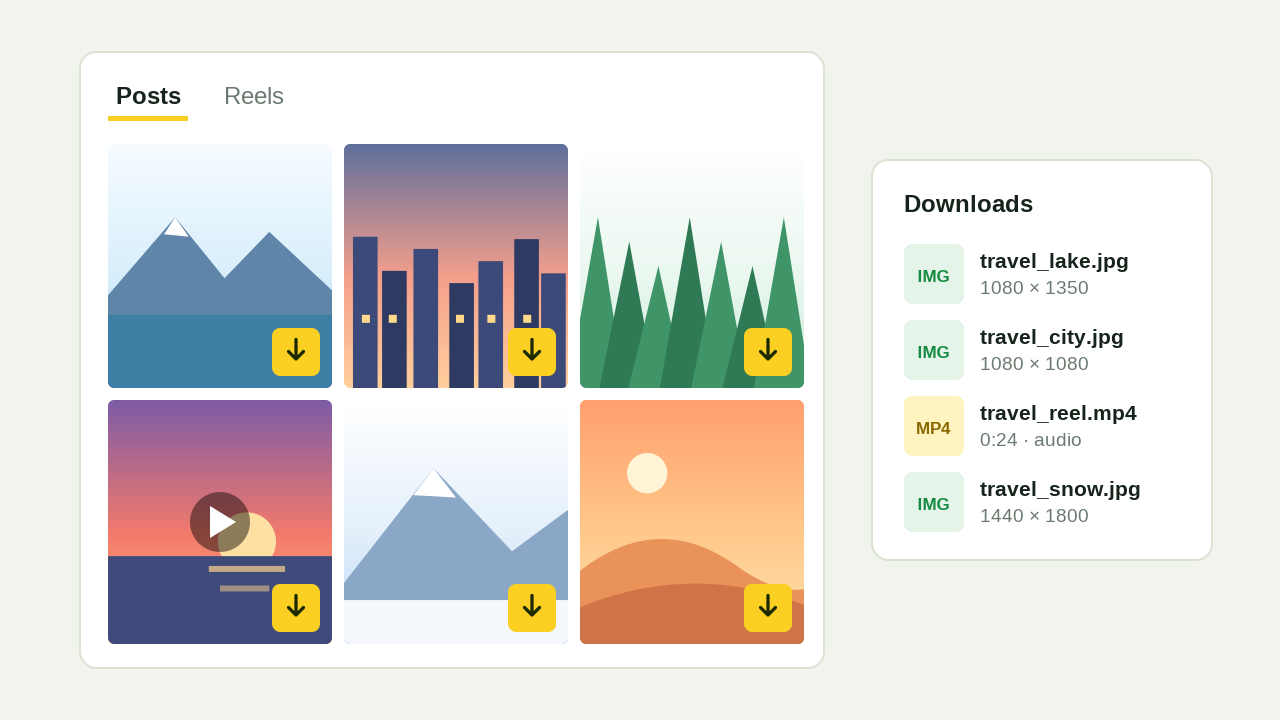
What the reels viewer offers
- All public reels of an account. You are not limited to the handful shown before a login prompt.
- Play counts on the tiles. Spot the clips that did best without opening each one.
- Sound included. The player and the saved file both carry the reel's audio.
- MP4 downloads. Same resolution Instagram streams, with nothing stamped on top.
- Private watching. No Instagram account takes part, so no account can be credited with the play.
- One page for everything. The creator's stories, highlights and posts are in the neighbouring tabs.
Questions and answers
What is the Picuki reels viewer?
It is the Reels tab on picuki.website. It plays the reels of any public Instagram account for visitors who are not signed in.
Do I need the Instagram app to watch reels here?
No. Clips play inside your browser on a phone or a computer.
Does the saved MP4 have audio?
Yes. The file contains the same sound track you hear in the player.
Can the creator tell that I watched a reel?
No. Creators see a total play number, never a list of names, and Picuki involves no account of yours.
Will a reel link from the app work in the search box?
The box expects a username or a profile address. Load the creator's account and pick the reel from the grid.
Why is there no sound at first?
Mobile browsers block autoplay with audio. Tap the player once and the sound switches on.
Does Picuki add a watermark to reels?
No. The file is stored the way Instagram delivers it.
Are reels from private accounts available?
No. Picuki works with public accounts and nothing else.
Every Picuki tool on one list
Story Viewer
Watch what a public account added to its story today, with no sign-in and no name left behind.
Highlights Viewer
Open the story collections pinned under a bio and see the day each frame went up.
Profile Viewer
One search returns the bio, the full-size avatar and four tabs of public content.
Post Viewer
Read a public grid past the login wall, captions and carousel slides included.
Story Downloader
Put story photos on your device as JPG and story videos as MP4 with their audio.
Profile Picture
See an Instagram avatar larger than the tiny circle and store the JPG.
TikTok Downloader
Picuki TikTok downloader saves TikTok videos without watermark as MP4, plus MP3 audio, covers and slideshow photos. Paste a link. No login needed.
Try Picuki with any public username
Scroll back to the search box, type the handle and press Search. The account's public stories, highlights, posts and reels show up on this page, and you stay signed out the whole time.