Picuki TikTok Downloader
Paste the link of a public TikTok video or photo slideshow. Picuki returns the MP4 without the watermark, in HD when TikTok has it, along with the MP3 audio, the cover image and every photo of a slideshow. You never sign in to TikTok.
Works logged outFree to usePhone, tablet, desktop
How to use the TikTok video downloader
Copy the TikTok link
In TikTok, open the video or photo post, tap Share and pick Copy link.
Paste it here
Put the link in the field above. The Paste button fills it in from your clipboard.
Press Get files
Picuki looks the post up and shows a preview with the available formats.
Choose what to save
MP4 in HD, plain MP4, MP3, cover image, or the photos of a slideshow one after another.
Download TikTok videos without the watermark
TikTok's own save option stamps a moving logo and the creator's handle on the clip, and many posts have saving switched off. The Picuki TikTok downloader reads the post behind a link and offers the clean video file instead. It accepts links from tiktok.com and the short forms vm.tiktok.com and vt.tiktok.com.
One lookup gives you several buttons. The clean MP4 comes first, with an HD version if one exists. Below it are the MP3 sound track, the cover as a JPG, and the original MP4 with its watermark for cases where credit should stay visible. Your browser pulls each file straight to your device. Each format has a page of its own with more detail: video without watermark, TikTok MP3, slideshow photos and a guide for iPhone.
What you can download from a TikTok link
- MP4 without watermark. The clip with no bouncing logo across it.
- HD when available. If TikTok holds a higher-resolution file, it gets its own button.
- TikTok MP3. Only the sound: the song, the voice-over or the original audio.
- Slideshow photos. Each image of a photo post in original quality, single or all in a row.
- Cover image. The thumbnail of the video as a full-size JPG.
- Watermarked original. The standard TikTok version, for when the creator's handle should remain.
Questions and answers
What is the Picuki TikTok downloader?
A page on picuki.website that turns a public TikTok link into downloadable files: MP4 without watermark, MP3, the cover and slideshow photos.
How do I download a TikTok without the watermark?
Copy the post's link in TikTok, paste it on this page, press Get files and pick the MP4 marked "Without watermark".
Can I convert a TikTok to MP3?
Yes. Every video lookup includes an MP3 audio button that saves the sound track alone.
Does it download TikTok photo slideshows?
Yes. Paste the slideshow link. You can store single photos or press the button that saves all of them one by one.
Do I have to log in to TikTok?
No. Picuki never asks for a TikTok account, and it works with links only.
Why did my link fail?
Usually the post is private, deleted or region-locked, or the link leads to a profile. Make sure it opens in a signed-out browser.
Where is the file after I download it?
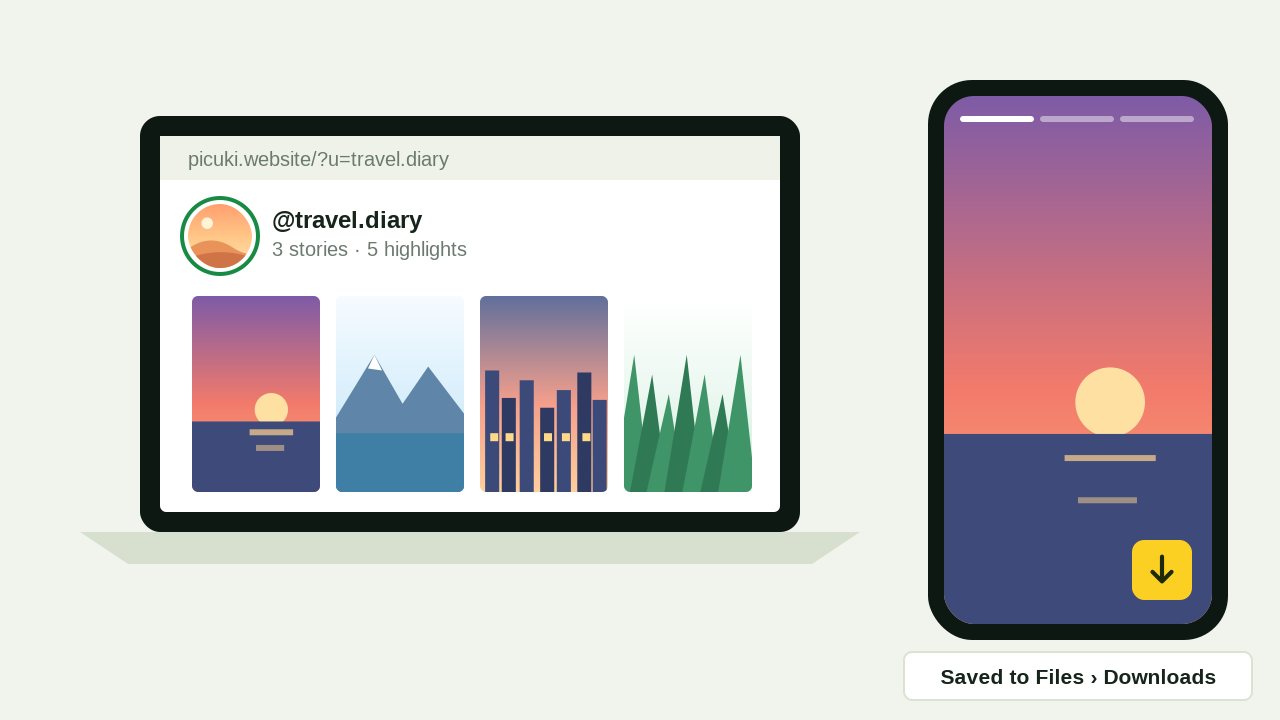
On iPhone, open Files and look in Downloads. On Android and on computers, check the Downloads folder.
Is the TikTok downloader free?
Yes. There is no charge and no registration. Ads keep the page running.
Every Picuki tool on one list
No Watermark
Download TikTok videos without watermark with Picuki. Paste a link and get the clean MP4, in HD when TikTok provides it. No logo, no login, free.
TikTok MP3
Picuki TikTok MP3 downloader pulls the audio from any public TikTok video. Paste the link, press MP3, keep the sound or music as a file. Free.
TikTok Photos
Picuki TikTok photo downloader saves every image of a TikTok slideshow in original quality. Paste the photo post link, save one picture or all. Free.
TikTok on iPhone
Download TikTok videos on iPhone with Picuki in Safari or Chrome. No app to install. Files go to Files › Downloads, then save them to Photos.
Story Viewer
Watch what a public account added to its story today, with no sign-in and no name left behind.
Profile Viewer
One search returns the bio, the full-size avatar and four tabs of public content.