Picuki Profile Viewer
Type a public @username and Picuki builds the whole Instagram profile on this page: bio, post and follower numbers, the avatar in full size, today's stories, highlights, the grid and the reels. You stay signed out from start to finish.
Works logged outFree to usePhone, tablet, desktop
Using the Picuki profile viewer
Find the handle
You need the account's @username. If you only have the profile address, paste that instead.
Press Search
Drop the handle into the field at the top. Picuki sends the request itself, so Instagram never hears from your device.
Switch between tabs
The profile card sits on top. Below it, each kind of content has its own tab, so nothing is mixed together.
Enlarge or keep
Any thumbnail opens in a bigger view when tapped. Press Download there if you want the file on your device.
An Instagram profile viewer that skips the login wall
Open a profile on instagram.com while signed out and you get a dozen thumbnails, then a pop-up that wants your password. The Picuki profile viewer asks for the same public page on your behalf and lays the result out in four tabs: Stories, Highlights, Posts and Reels. The header carries the bio and the three profile numbers.
Because the lookup is made by our system and not by a signed-in person, Instagram has no visitor to attach to it. Posts come with caption, date and their like and comment totals. Reels come with play counts. This is an Instagram profile viewer for public pages only, and it tells you plainly when an account is locked.
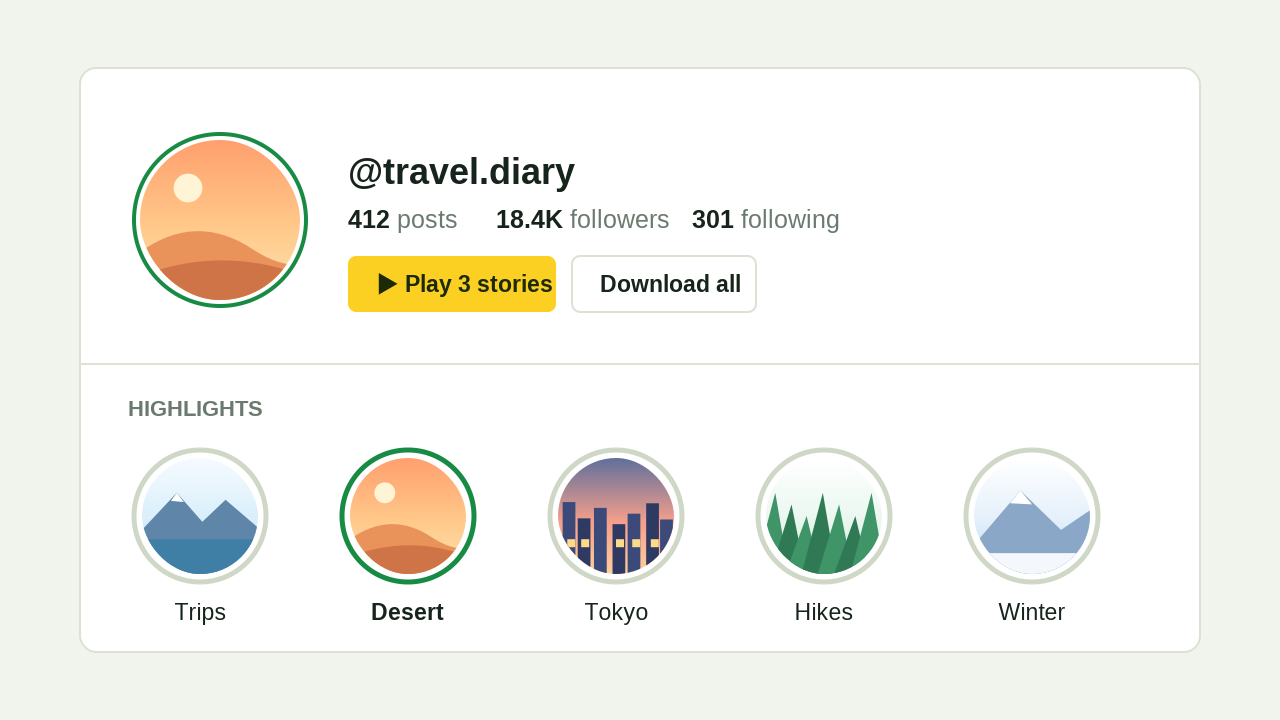
What the profile page contains
- The header. Display name, bio text, and the post, follower and following numbers.
- Avatar at full size. The profile picture gets its own save button.
- Four content tabs. Stories from today, pinned highlights, grid posts and reels.
- Deeper scrolling. Each press of Load more brings in another set of older posts.
- Files you can keep. Pictures arrive as JPG, clips as MP4 with their sound.
- Zero setup. No extension, no app store, no Instagram password.
Questions and answers
What is the Picuki profile viewer?
It is a page on picuki.website that displays a public Instagram profile, including stories, highlights, posts and reels, to someone who is not signed in to Instagram.
Does the account owner find out I opened their profile?
No. Instagram keeps no visitor log for profiles, and Picuki's request carries no account that could be named.
Does Picuki show a list of followers?
No. You see the follower and following totals from the profile header. The names behind those totals are not available here.
Why do I get a private account notice?
The owner limited the profile to approved followers. No outside viewer can open it, and Picuki does not try.
How far back can I scroll through posts?
The newest batch appears first. Each press of Load more adds an older batch, for as long as Instagram keeps returning them.
Is there a Picuki app for this?
No app is needed. The viewer is a web page. On a phone you can add picuki.website to the home screen from the browser's share menu.
Do I pay anything?
No. The site carries ads and that covers the cost. There is no plan, credit pack or sign-up form.
Is this the same site as other Picuki websites?
No. Several unrelated sites use the Picuki name. This page describes picuki.website only, and we have no connection to the others.
Every Picuki tool on one list
Story Viewer
Watch what a public account added to its story today, with no sign-in and no name left behind.
Highlights Viewer
Open the story collections pinned under a bio and see the day each frame went up.
Post Viewer
Read a public grid past the login wall, captions and carousel slides included.
Reels Viewer
Play an account's public reels with sound, check the play counts, keep any of them as MP4.
Story Downloader
Put story photos on your device as JPG and story videos as MP4 with their audio.
Profile Picture
See an Instagram avatar larger than the tiny circle and store the JPG.
TikTok Downloader
Picuki TikTok downloader saves TikTok videos without watermark as MP4, plus MP3 audio, covers and slideshow photos. Paste a link. No login needed.
Try Picuki with any public username
Scroll back to the search box, type the handle and press Search. The account's public stories, highlights, posts and reels show up on this page, and you stay signed out the whole time.