Picuki Story Downloader
A story lasts 24 hours and Instagram offers no button to keep someone else's. Picuki adds that button. Search a public @username, find the story, press Download, and the photo or video lands on your device unchanged.
Works logged outFree to usePhone, tablet, desktop
Saving a story with Picuki
Enter the account
Type the @username of the person or brand, or paste a link to their profile.
Wait for the cards
Press Search. Stories posted during the last 24 hours appear as cards under the profile.
Press Download
Use the button on one card for a single file, or Save all for the complete set.
Open the saved file
Phones usually store it in Files or the gallery. Desktop browsers use the Downloads folder.
Save an Instagram story before the day runs out
Screenshots cut off quality and screen recordings pick up notifications. The Picuki story downloader takes a cleaner route: it shows the live stories of a public account as cards and puts a Download button on each. Photo stories become JPG files. Video stories become MP4 files that keep their music and voice.
Save all goes through every live story of the account in a row, which helps when someone posted a long sequence. Stories pinned to highlights can be saved the same way from the Highlights tab. No Instagram account takes part in any of this, so the owner's viewer list gains no entry from your download.
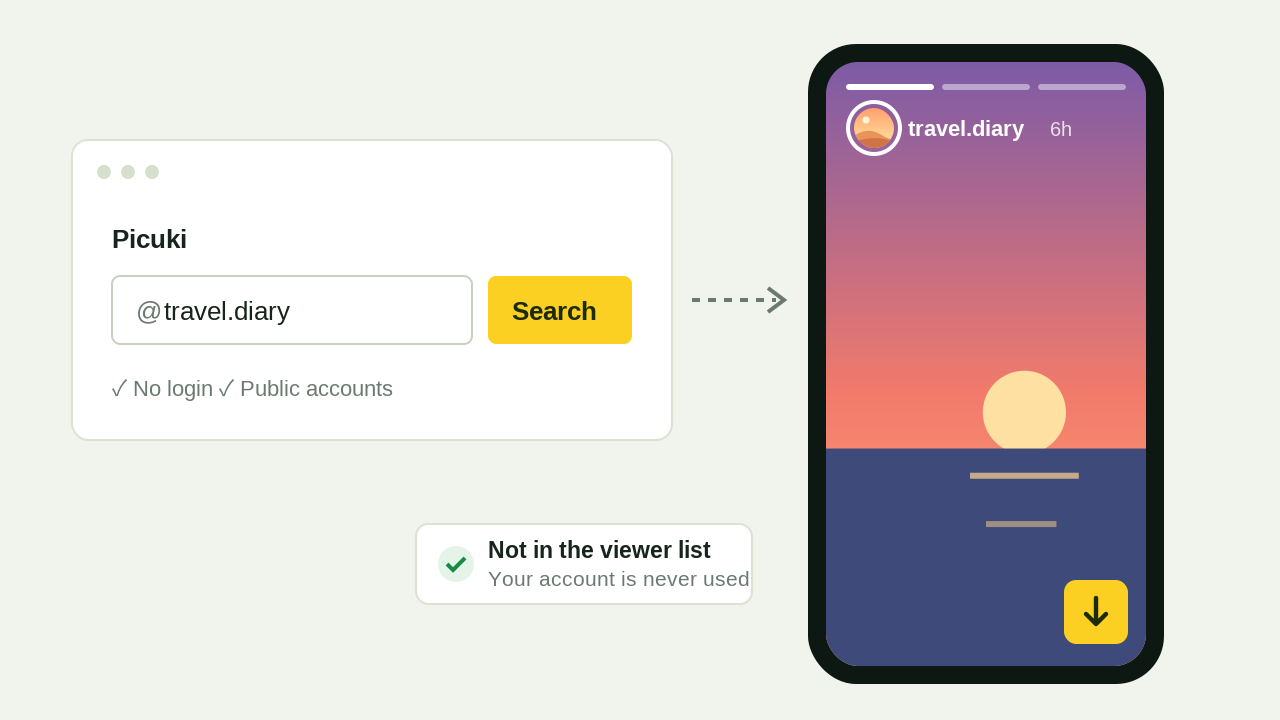
What the story downloader keeps
- Photo stories as JPG in portrait format, at the resolution Instagram sends.
- Video stories as MP4, sound track included.
- Highlight stories, even ones first posted long ago.
- Whole sets. Save all handles every live story of an account.
- Unmarked files. Picuki adds no logo, border or text.
- No registration. There is no account to create and no credit system.
Questions and answers
What is the Picuki story downloader?
A free tool on picuki.website that stores the stories of public Instagram accounts as JPG or MP4 files on your device.
Does saving a story add me to the viewer list?
No. The list records signed-in accounts that open a story in Instagram. Picuki fetches the file with no account attached.
Which file types do I get?
JPG for picture stories and MP4 for video stories. Both open in the standard gallery and player apps.
Is the music kept in a video story?
Yes. The MP4 holds the audio that was posted, including songs added with a music sticker.
Can I save a story from yesterday?
Only when the owner pinned it to a highlight. Otherwise it left public view after 24 hours.
Where does my phone put the file?
On iPhone, check Files and its Downloads folder. On Android, check Downloads or the gallery app.
Is there a limit on downloads?
There are no paid tiers and no credits. If you send a great many requests in a short time, a brief pause may be asked of you.
Can Picuki download stories from private accounts?
No. That would require the owner's approval inside Instagram, which a web tool cannot have.
Every Picuki tool on one list
Story Viewer
Watch what a public account added to its story today, with no sign-in and no name left behind.
Highlights Viewer
Open the story collections pinned under a bio and see the day each frame went up.
Profile Viewer
One search returns the bio, the full-size avatar and four tabs of public content.
Post Viewer
Read a public grid past the login wall, captions and carousel slides included.
Reels Viewer
Play an account's public reels with sound, check the play counts, keep any of them as MP4.
Profile Picture
See an Instagram avatar larger than the tiny circle and store the JPG.
TikTok Downloader
Picuki TikTok downloader saves TikTok videos without watermark as MP4, plus MP3 audio, covers and slideshow photos. Paste a link. No login needed.
Try Picuki with any public username
Scroll back to the search box, type the handle and press Search. The account's public stories, highlights, posts and reels show up on this page, and you stay signed out the whole time.