Picuki TikTok Downloader for iPhone
Saving a TikTok on iOS needs no app from the App Store. Open this page in Safari or Chrome, paste the link, and download. The video goes to the Files app first; two more taps put it in your camera roll.
Works logged outFree to usePhone, tablet, desktop
From TikTok to your camera roll
Copy the link in TikTok
On the video tap the Share arrow and choose Copy link. Then switch to Safari.
Paste and get the files
Tap the box above, paste, and press Get files. Pick a format from the buttons.
Confirm the download
Safari shows a small prompt. Tap Download. A blue arrow by the address bar tracks progress.
Move it to Photos
Open Files › Downloads, tap the video, then Share › Save Video. It is now in your camera roll.
Download TikTok on iPhone straight from the browser
iOS handles downloads differently from a computer. A file saved in Safari does not appear in Photos by itself. It is placed in Files › Downloads, and from there you decide where it should live. Once you know that path, the Picuki TikTok downloader for iPhone works like it does on any other device.
The page offers the usual set: MP4 without the logo, MP3, cover and slideshow images. Details on each are on the no-watermark, MP3 and photo pages. This page concentrates on the iOS specifics.
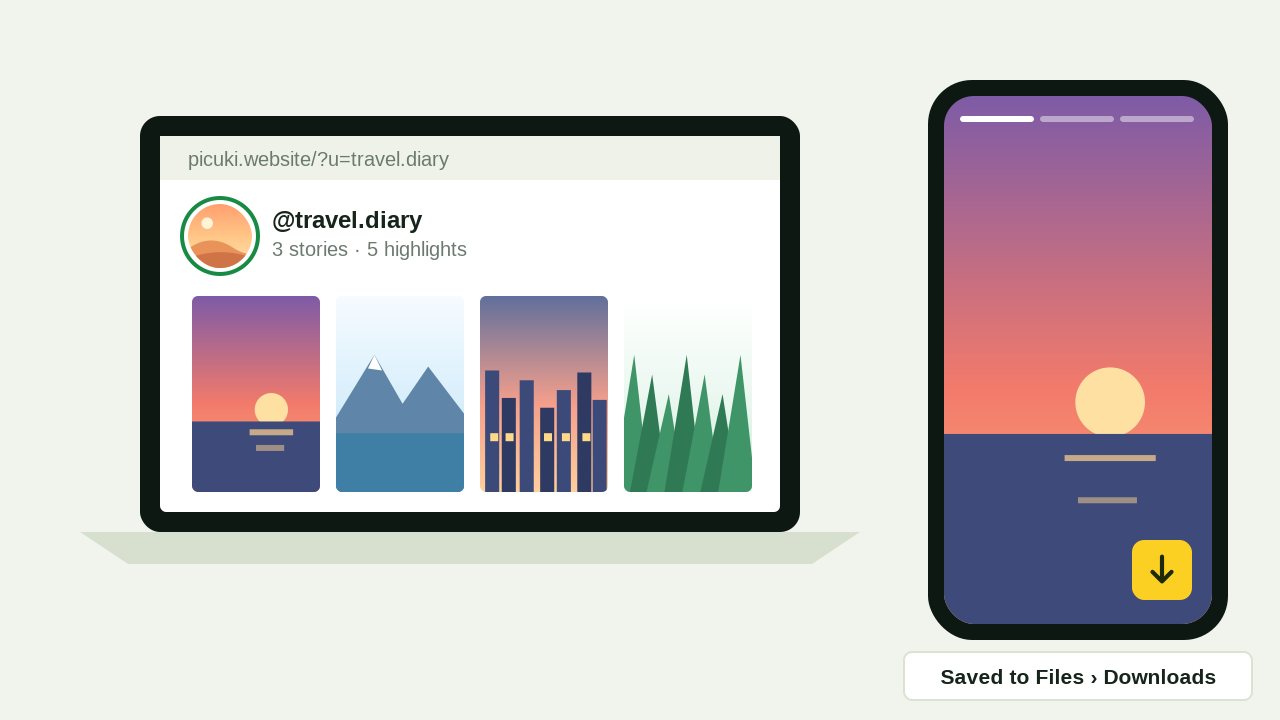
iOS details worth knowing
- Safari and Chrome both work. Chrome on iOS asks for the same confirmation and saves to Files too.
- No app, no profile. Nothing is installed on the phone and no configuration is changed.
- Home-screen shortcut. In Safari tap Share, then Add to Home Screen, for an icon that opens Picuki directly.
- Files first, Photos second. Downloads land in the Files app until you save them to the camera roll.
- iPad included. The same steps apply on iPadOS.
- MP3 stays in Files. Audio cannot go to Photos; play it from Files or share it to a music app.
Questions and answers
How do I download a TikTok video on iPhone?
Copy the video's link in TikTok, open this page in Safari, paste it, press Get files, choose a format and tap Download in Safari's prompt.
Where is the downloaded video on my iPhone?
In the Files app, inside the Downloads folder. Safari's arrow icon next to the address bar also opens it.
How do I save the TikTok to my camera roll?
Open the video in Files, tap the Share icon and choose Save Video. It then shows up in the Photos app.
Do I need to install an app or a shortcut?
No. The downloader is a web page. An optional home-screen icon can be added from Safari's Share menu.
Does it work in Chrome on iOS?
Yes. Chrome asks you to confirm the download and places the file in Files as well.
Why does the video play in a new tab without saving?
Older iOS versions sometimes open MP4 files for playback. Tap the Share icon on that tab and choose Save to Files.
Does the TikTok downloader work on Android?
Yes, in the same way. Paste the link in Chrome or another browser, and the file is written to the Downloads folder.
Is the iPhone download without watermark?
Yes. The MP4 buttons marked as having no watermark deliver the video with no TikTok logo on it.
Every Picuki tool on one list
TikTok Downloader
Picuki TikTok downloader saves TikTok videos without watermark as MP4, plus MP3 audio, covers and slideshow photos. Paste a link. No login needed.
No Watermark
Download TikTok videos without watermark with Picuki. Paste a link and get the clean MP4, in HD when TikTok provides it. No logo, no login, free.
TikTok MP3
Picuki TikTok MP3 downloader pulls the audio from any public TikTok video. Paste the link, press MP3, keep the sound or music as a file. Free.
TikTok Photos
Picuki TikTok photo downloader saves every image of a TikTok slideshow in original quality. Paste the photo post link, save one picture or all. Free.
Story Viewer
Watch what a public account added to its story today, with no sign-in and no name left behind.
Profile Viewer
One search returns the bio, the full-size avatar and four tabs of public content.